02 / PROJECT PATH
See what you could build.
Start at the right skill level and choose a problem you care about.
Train a motion detector
Try unfamiliar movements after training your micro:bit on tilt, shake, and still.
Skill · Test a model on examples it hasn’t seen.
03 / PROGRESS
See the work behind each milestone.
Families will see what their teen built, what they demonstrated independently, and the next challenge.
SAMPLE PORTFOLIO · MOTION CLASSIFIER
Shake → Still
The model missed a slower shake. The student checked the training set and found it contained only fast shakes.
PROJECTS IN PRACTICE
What testing can look like.
 Illustrative scene of teens checking an AI answer against a source.
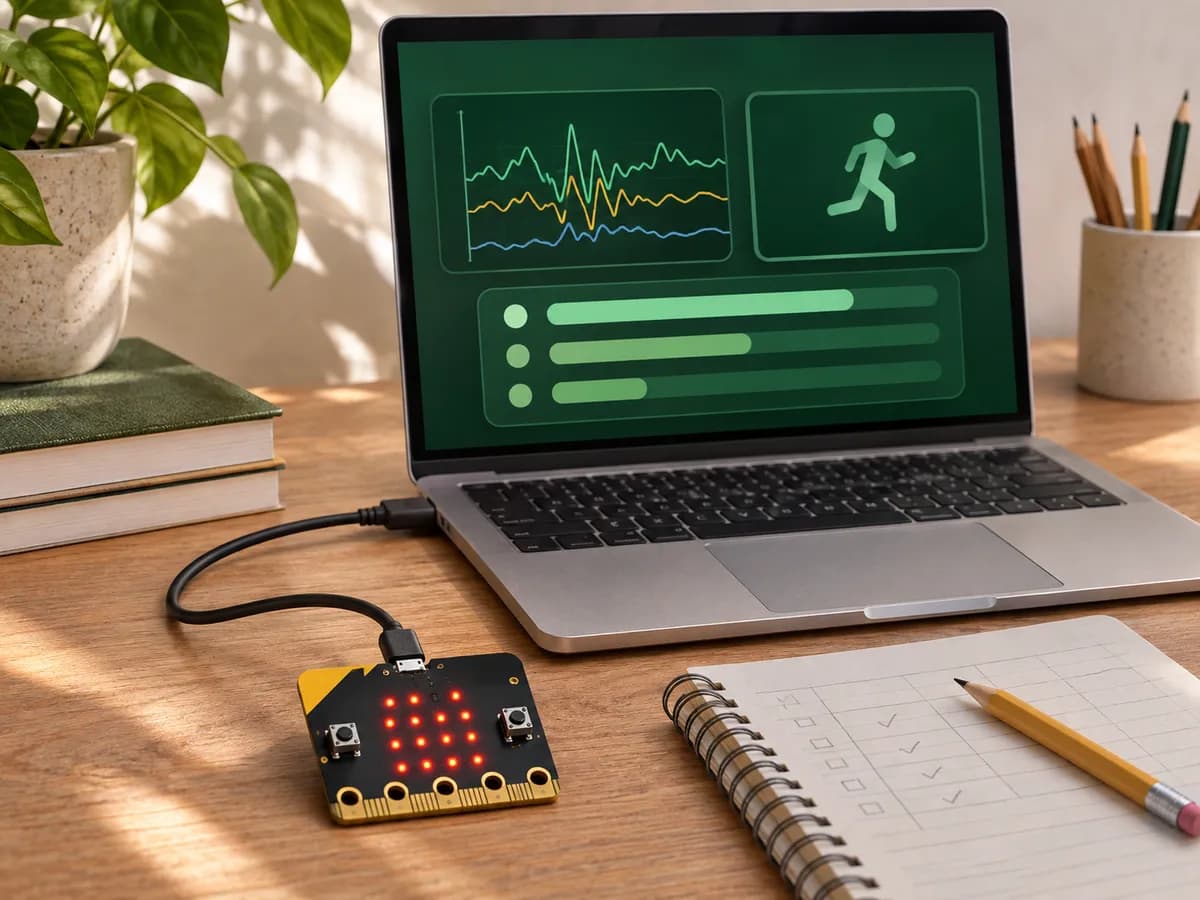 Illustrative setup for a motion-classifier project.
ILLUSTRATED PROJECT EXAMPLES
Two more ways to build.
Start with a question a real user might ask. Build a response, test it, and use what you learn to improve it.
01 / SOURCE CHECK
CLUB NOTICE
Meet Thursday at 4 p.m. Register by Wednesday.
REVISED ASSISTANT REPLY
Register by Wednesday for the Thursday meeting.
Build a club FAQ assistant.
- Built
- An assistant grounded in a club notice.
- Failed test
- It omitted the registration deadline.
- Revision
- Require the reply to include registration rules supported by the notice.
02 / PEER TEST
TEST TASK
Find a 20-minute practice plan.
- Before
- Plan hidden under More
- After
- Direct link to 20-minute practice
Prototype a practice planner.
- Built
- A planner with practice options.
- Failed test
- A peer missed the short plan in the menu.
- Revision
- Bring the 20-minute option into the main view and retest.